
Download the BC Option Android App
Install the latest APK directly from BC Option. Trade, follow markets, and manage your account with a fast, distraction-free interface.
File details
BC Option Trader APK
Fast install
Under 1 minute
Optimized
Low battery usage
Verified build
Official release
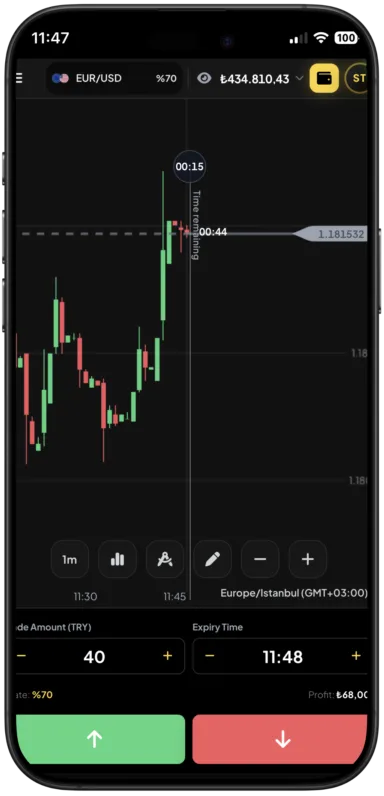
Instant access
Sign in and trade in seconds
Stay synced across devices with secure sessions.
Secure sessions
Encrypted and protected logins
Account security stays on at every step.
Live market data
Real-time prices and alerts
Never miss a signal or opportunity.
Install guide
Install in three simple steps
Everything you need to get started safely and quickly.
Download the APK
Tap the download button and wait for the file to finish.
Open your downloads folder
Locate the APK in your notification tray or downloads.
Allow installation
Enable install permissions for your browser, then finish setup.
Security note
Only install the APK downloaded from the official BC Option site.
Why Android
Why traders choose the Android app
Built for speed, clarity, and daily trading workflows.
- Optimized performance for quick order execution
- Push notifications for trades, alerts, and account updates
- Secure sign-in with device-level protection
Need help?
If the install prompt does not appear, open your downloads folder and tap the APK manually.